The Right Primary Category and Name
The primary category tells Google what you are, and it is worth choosing the one that fits best. The name should be the one customers know you by, as it appears on your sign and your site.
Free, no obligation
A restaurant Google Business Profile is the box that appears when someone searches for somewhere to eat nearby, and it often decides the booking before the diner ever reaches your website. It shows your hours, your photographs, your reviews and a way to book, all in one glance.
Most restaurants have a profile, because Google creates one whether you ask or not. Far fewer have one that is complete and current. The hours are wrong on a bank holiday, the category is vague, the menu link goes nowhere and the photographs are years old. Each gap sends a diner to the next place on the map.
A good profile does three things. It tells Google exactly what kind of restaurant you are, so you appear for the right searches. It gives the diner what they need to decide, in the form they expect, and it links straight to your booking and ordering, so the step from seeing you to sitting down is a tap.
I set up and tidy Google Business Profiles for restaurants, cafes and takeaways across Ireland as part of a site you own. It starts with a free audit of the profile you have now, so you can see what a diner sees before anything is changed.
A restaurant profile works best when every part of it is filled in and matches your website. These six things do most of the work.
The primary category tells Google what you are, and it is worth choosing the one that fits best. The name should be the one customers know you by, as it appears on your sign and your site.
Regular hours, kitchen closing times if they differ, and the days that change, such as bank holidays and Christmas. A wrong hour is the quickest way to lose a diner.
Link the profile to your menu page, and update it when dishes change. Google lets you manage the menu from the profile as well.
A booking link and an order link that go straight to your own site turn a profile view into a table or a collection order, with no commission in the middle.
A steady set of recent photographs of the dishes, the room and the exterior helps a diner picture the evening and recognise the door.
A plain description of what you serve and a few accurate attributes, such as outdoor seating or whether you take walk-ins, answer questions before they are asked.
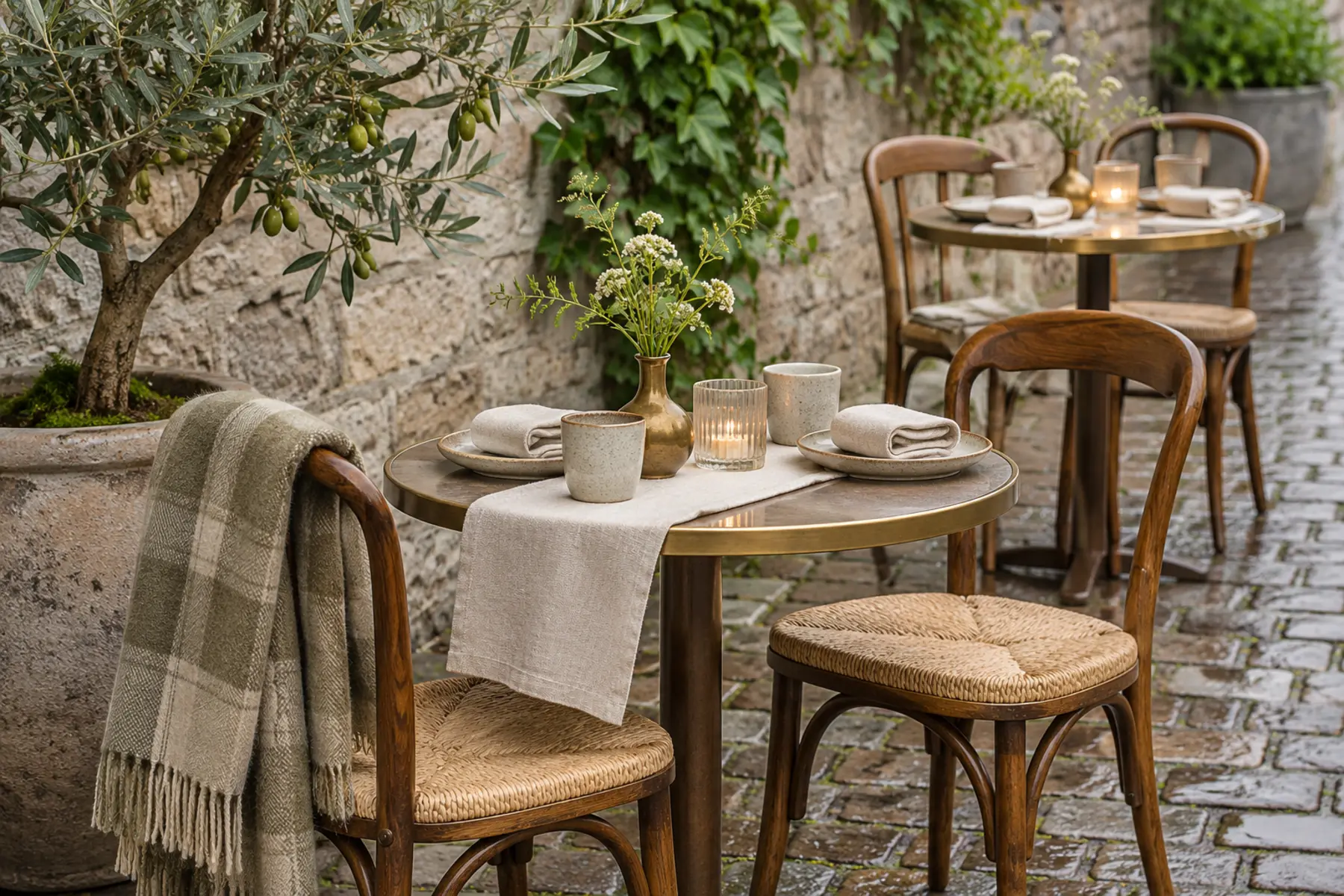
Opening hours on Google have to be right every day of the year, and the days that go wrong are the bank holidays, the Christmas period and the weeks you close for a break.
A diner who arrives at a closed door because the profile said open does not give a restaurant a second chance. Special hours exist for exactly this, and they should be set ahead of every bank holiday and closure, then checked the week before.
Many restaurants also serve different hours in the kitchen and at the bar, or run lunch and dinner as separate services. The profile should say so, and the website should say the same, because a mismatch between the two is both confusing and a quiet signal that the details cannot be trusted.
Keeping hours right is a small, repeatable job. A short calendar of the dates that change each year, checked at the start of each season, does most of the work.
Reviews are a large part of why a diner chooses one restaurant over another, and a steady flow of recent, genuine ones counts for more than a burst followed by silence.
The simplest way to get reviews is to ask at the right moment. A card at the till, a line on the receipt or a message after a booking, with a direct link to the review page, makes it a few taps. The ask should be honest and without pressure, and diners should be free to say what they really thought.
Google's policies do not allow paying or rewarding people for reviews, so offers of a free drink or a discount in exchange are best avoided. Check Google's current policy before running any campaign.
Replying matters as much as asking. A polite, specific reply to a good review shows you notice, and a calm, factual reply to a poor one shows the next diner how you treat people when things go wrong. Both are visible to everyone who reads the page.
Most profiles lose diners in the same few ways, and each one is quick to put right once it has been spotted.
| Mistake | What the diner sees | The fix |
|---|---|---|
| Wrong hours on a bank holiday | A closed door, or a restaurant that looks unreliable | Set special hours ahead of every bank holiday and closure |
| A vague or wrong primary category | A restaurant that does not appear in the right search | Choose the category that best describes what you serve |
| A stale menu | Dishes that are gone, or prices that have changed | Link to the menu page and update it when the kitchen changes |
| No booking or order link | A phone number and nothing else | Link straight to your own booking and ordering pages |
| Old or missing photographs | A profile that does not show the food or the room | Add recent photographs on a regular basis |
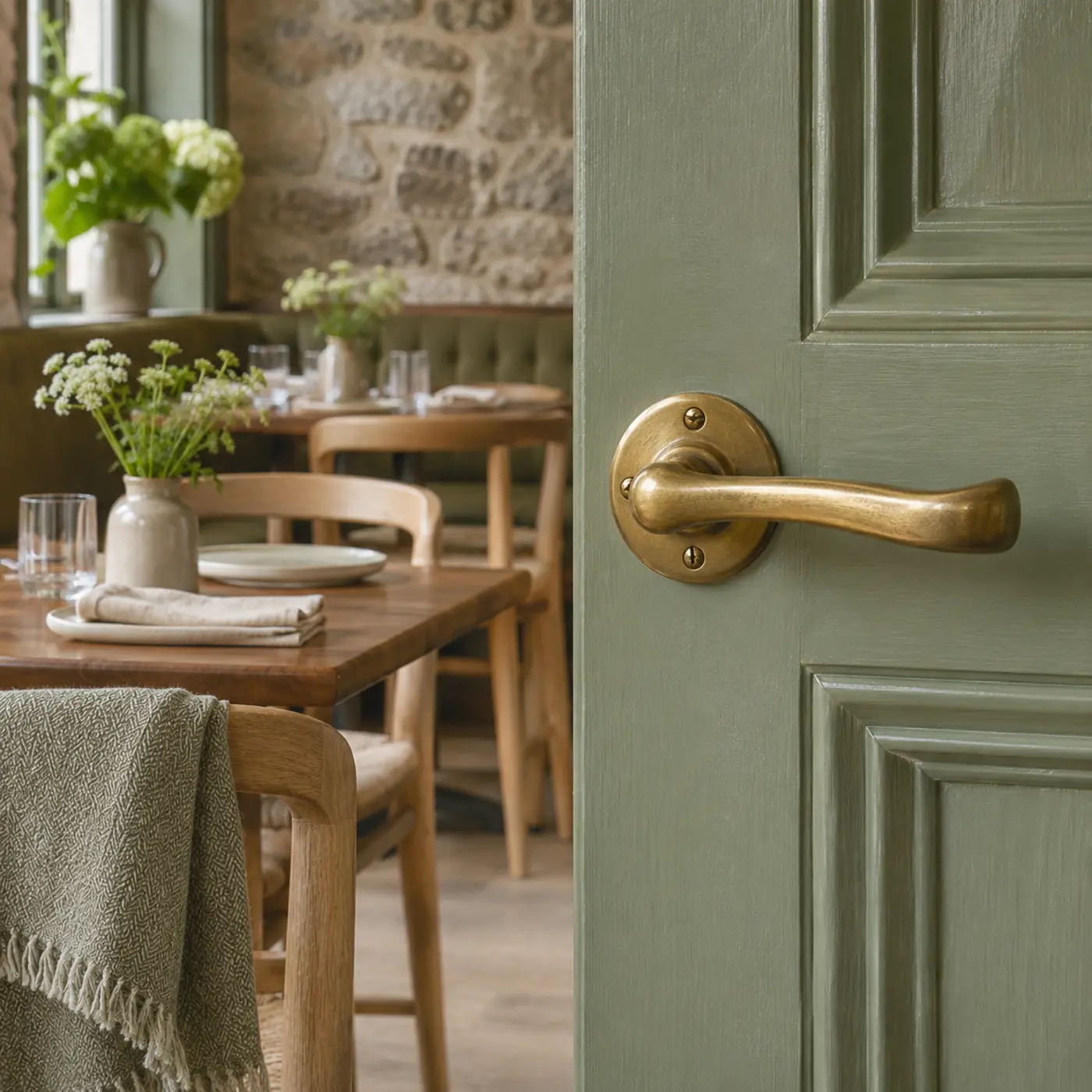
Photographs are often the first thing a diner looks at on a restaurant profile, so they have to show what the evening actually feels like.
A handful of clear photographs of the dishes, the room and the front door do more than a large gallery. They should be recent, well lit and honest, because a diner who arrives to a different place from the one pictured is unlikely to forgive it.
The exterior matters more than most restaurants expect. Someone looking for you on foot wants to recognise the door, and a clear photograph of the frontage saves a missed turn on a wet evening.
Photographs on the profile and on the website should work together. The same strong images, sized for each, make the restaurant look consistent wherever a diner meets it.
The profile gets the diner to the door, and the website closes the deal, so the two need to say the same things in the same way.
Keep the details identical on the profile, the website and every listing. Differences confuse both Google and the diner.
A menu or an hour that differs between the profile and the site makes a diner distrust both. One source, updated in one place, keeps them in step.
The profile should link to the menu, the booking page and the ordering page, not just the home page. Each link saves a diner a step.
A few genuine quotes on the website, used with permission, back up what the profile already shows.
The same profile tools work for every kind of food business, though what each one leans on is a little different.
A restaurant leans on its menu, its booking link and its photographs of the room, because the decision is about an evening and not a quick bite.
A cafe leans on early opening hours, photographs of the counter and cabinet and a clear note on what is served, because many diners are deciding on their way past.
A takeaway leans on its order link, its collection hours and a menu that loads quickly, so a hungry person can order in a couple of taps.
A pub that serves food needs its kitchen hours shown separately from the bar, with the menu and booking links for Sunday lunch and events.
The work follows four steps, and the price is agreed in writing before the first one starts.
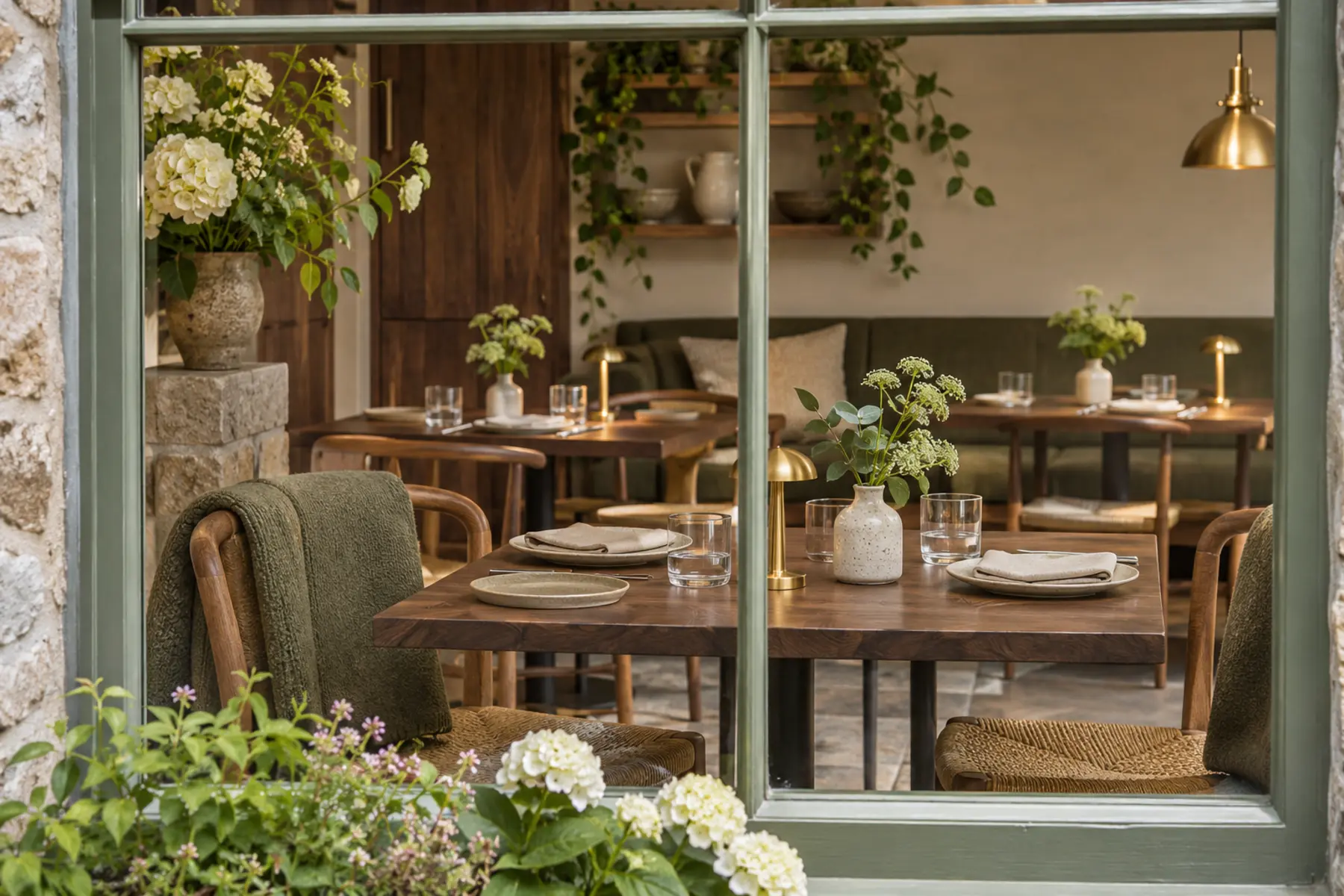
Most diners find a restaurant through a handful of local searches, and a complete profile is what lets you appear for them.
Someone searching for a restaurant near them, for brunch in a particular town or for somewhere open late is asking Google to choose. The profile, with its category, its hours and its reviews, is what Google reads to decide who to show.
The website adds to this with pages for each of those searches. A page for brunch, a page for private dining and a page for the town you serve give Google more to match, and the profile links the diner straight to the right one.
Yes. Google creates a listing for most restaurants whether you claim it or not, so it is better to claim it, fill it in and keep it right than to leave it to chance.
Sign in to the profile and add or edit the menu from there, and link the profile to the full menu page on your website. Update both when the dishes change.
Yes. A booking link that goes straight to your own booking page lets a diner book in a couple of taps, and it works alongside platforms such as ResDiary or OpenTable if you use them.
Use the special hours setting on the profile, and set it ahead of each bank holiday and closure. Check it again the week before.
Ask at the right moment, with a direct link, such as a card at the till or a message after a booking. Do not pay or reward diners for reviews, because Google's policies do not allow it.
Yes, in your own voice. A polite, specific reply to a good review and a calm, factual reply to a poor one both show the next diner how you treat people.
The one that best describes what you serve, chosen from Google's list. It is the main signal Google uses to decide which searches you appear for.
Regularly, so the profile always looks current. A few new photographs each season of the dishes, the room and the exterior is a sensible rhythm.
Yes. A fast site with matching details, a page for each thing diners search for and a clear link back to the profile all support the same signals Google reads.
The same approach works, with the right category and links. A takeaway adds an order link, and a cafe often leans on photographs and morning hours.
Google has a process for requesting ownership of a listing, and it is worth following it promptly. A free audit can check who currently manages yours.
Many restaurants and pubs do, and the profile should say so plainly. The website should match, so a diner is never told two different things.
Claiming and completing a profile can be done within a few days once the details and photographs are ready. Verification by Google can take a little longer.
To specific pages where you can. A booking link that goes to your booking page and a menu link that goes to your menu save the diner a step.
The profile is yours, and the aim is for you to keep full control of it. I can set it up and tidy it, and you remain the owner.
Each page goes deeper on one part of filling tables and taking orders and bookings on your own site.
Checked on 22 November 2026. Rules and guidance change, so the official pages named below are the place to confirm the current position.
 Start hereGoogle Business Profile for Irish Businesses: The Complete Setup GuideRead the guide →
 Local SEO for Irish Businesses: How to Rank on Google in Your AreaA practical guide to local SEO for Irish businesses, how Google local search works, what moves the needle, and how long results realistically take.
 Why Your Irish Business Website Isn't Ranking on Google (And What To Do About It)If your Irish business website is not showing on Google, one of these eight things is almost certainly why. A diagnostic walkthrough.
 Online Booking Systems for Irish Businesses: How to Choose OneThe three ways an Irish business can take bookings online, what each one really costs, and how to work out which suits you. Plain English, no jargon.
Send me your current website address and I will tell you plainly what is working, what is holding it back and whether a rebuild is worth it. Free, with a fixed price agreed before any work starts.