Will My Table Actually Be Held?
A clear confirmation straight after booking, by email or text, tells the diner the table is theirs. Without it, many ring to check, which is the phone call the booking system was meant to save.
Free, no obligation
A restaurant booking system needs to let a diner hold a table in a few taps on a phone, tell you everything you need to seat them and protect you from the empty table that never turns up. Most do the first job well and leave the other two to chance.
The usual set-up is a booking platform linked from the website, and for many restaurants that is a sensible start. The trade-off is that the diner books inside someone else's system, the platform holds their details and you pay a monthly fee or a charge on each cover for the privilege. A booking system on your own site keeps the diner, the data and the margin with you, much as online ordering on your own site does for takeaway orders.
A good one also deals with the awkward cases. A group of twelve is not the same enquiry as a table for two, a late evening cancellation costs you a Saturday cover, and a diner with an allergy needs that noted without being asked for a medical history. Each of those has a simple answer once the booking is built around how your room actually runs.
I build restaurant booking systems for restaurants, cafes and gsitepubs across Ireland. Some sit alongside ResDiary, OpenTable or Bookatable, with the widget on your own page, and some replace the platform altogether with a booking form that goes to your inbox or phone. It starts with a free audit of how bookings reach you now, so the advice is about your room and not a generic setup. A restaurant website built around the booking is where it all starts.
The right booking system depends on how busy the room is and how much of the diner relationship you want to keep. The table sets the common options side by side, and the commission-free ordering guide covers the same trade-off for takeaway orders.
| What matters | Booking request form | Booking platform | Booking on your own site |
|---|---|---|---|
| How it works | The diner sends a request and you confirm it | The diner books live inside the platform | The diner books live on your own page |
| What it costs you | Nothing after the build | A monthly fee, and on some plans a charge per cover | A fixed build price, then no per-cover fee |
| Who keeps the diner | You do | The platform holds the details | You do |
| Deposits for no-shows | Possible, but handled by hand | Often built in on certain plans | Built in if you want them |
| Best suited to | A small room with a handful of tables | A busy room that needs live availability | A restaurant that wants live availability and to own the relationship |
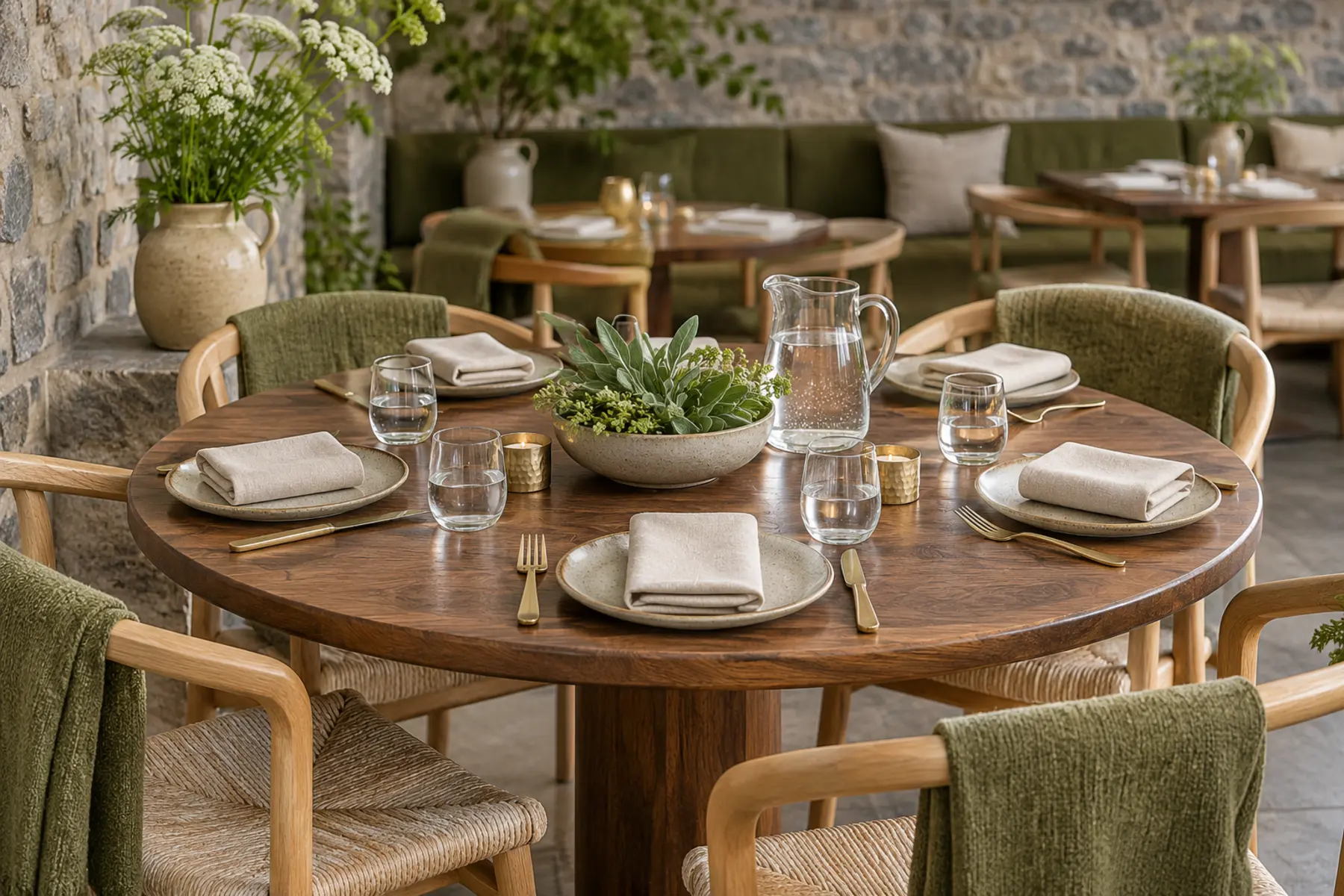
A restaurant reduces no-shows by making it easy to cancel and a little costly not to turn up. The three tools that do most of the work are a deposit, a clear reminder and a one-tap way to cancel.
A deposit works because it turns a casual hold into a decision. Many restaurants take one only for larger parties or for busy evenings, and refund it or deduct it from the bill when the diner arrives. It does not have to be large to change behaviour, and the booking page should say plainly when it applies and how it is returned.
A reminder the day before catches most of the genuine forgetting. It should carry the time, the party size and a link to change or cancel, because a diner who can cancel in a few seconds usually will, which frees the table for someone else.
The payment itself goes through a payment provider and never through the booking form, so no card details are typed into your own site. That keeps the form short and keeps the risk where it belongs.
A booking form should ask for the least it needs to hold the table. Every extra field costs you a few bookings.
The essentials are a name, a way to reach the diner, a date, a time and a party size. Anything beyond that should be optional and clearly labelled, so the diner is never made to feel they have to explain themselves.
Allergy and dietary notes deserve a little care. They are useful to the kitchen, and they can also be sensitive, so the form collects them only as an optional note, keeps them out of any public view and passes them straight to the people who need to see them. The form never asks for card details, because payment for a deposit is handled by the payment provider.
Behind the form, a confirmation goes to the diner straight away and a notification goes to you. The booking should land where you already look, whether that is an email, a text or the platform you use now.
A group booking is worth more than a table for two and needs more detail, so it should have its own route and not a bigger party size in the same form.
A party of ten or twelve usually wants to know about a set menu, a private room, a minimum spend and a deposit before they commit. A separate enquiry page answers those questions up front and asks only what you need to reply, such as the date, the numbers and the occasion.
The enquiry is then yours to follow up personally. That is the right shape for a birthday, a work dinner or a christening lunch, because the diner wants a conversation about the details and not an automated yes or no.
The same page can carry a short note on what private dining includes, a few photographs of the room and the lead time you need. It works as a small sales page for your most valuable bookings, and it can rank for searches such as private dining in your town.
It also keeps the busy booking form clean. A diner who only wants a table for two never meets the questions about numbers, occasions and menus, and the diner planning a christening lunch never has to squeeze it into a box built for dinner.
Most diners carry the same handful of worries when they book online, and a booking page that answers them calmly turns more visits into bookings.
A clear confirmation straight after booking, by email or text, tells the diner the table is theirs. Without it, many ring to check, which is the phone call the booking system was meant to save.
Say how to change or cancel, and make it a single link. A diner who is afraid of being stuck is less likely to book at all.
If you take one, say when it applies, how it is used and when it comes back. Surprises about money are the fastest way to lose trust before the meal begins.
A short optional note on the form, and a line saying the kitchen will be told, reassures a diner who would otherwise hesitate. It also saves the conversation at the table.
A booking is only worth something if the diner turns up, and a good confirmation and reminder routine is the cheapest way to make sure they do.
The confirmation goes out the moment the booking is made and repeats the date, the time, the party size and any deposit. A reminder follows the day before with a link to change or cancel. Both are short and plain, in your own voice, with your name on them and not a platform's.
When a diner cancels, the table is released at once so it can be offered again. A restaurant that fills a cancelled table is often better off than one that never had the booking, which is why easy cancelling is worth having.
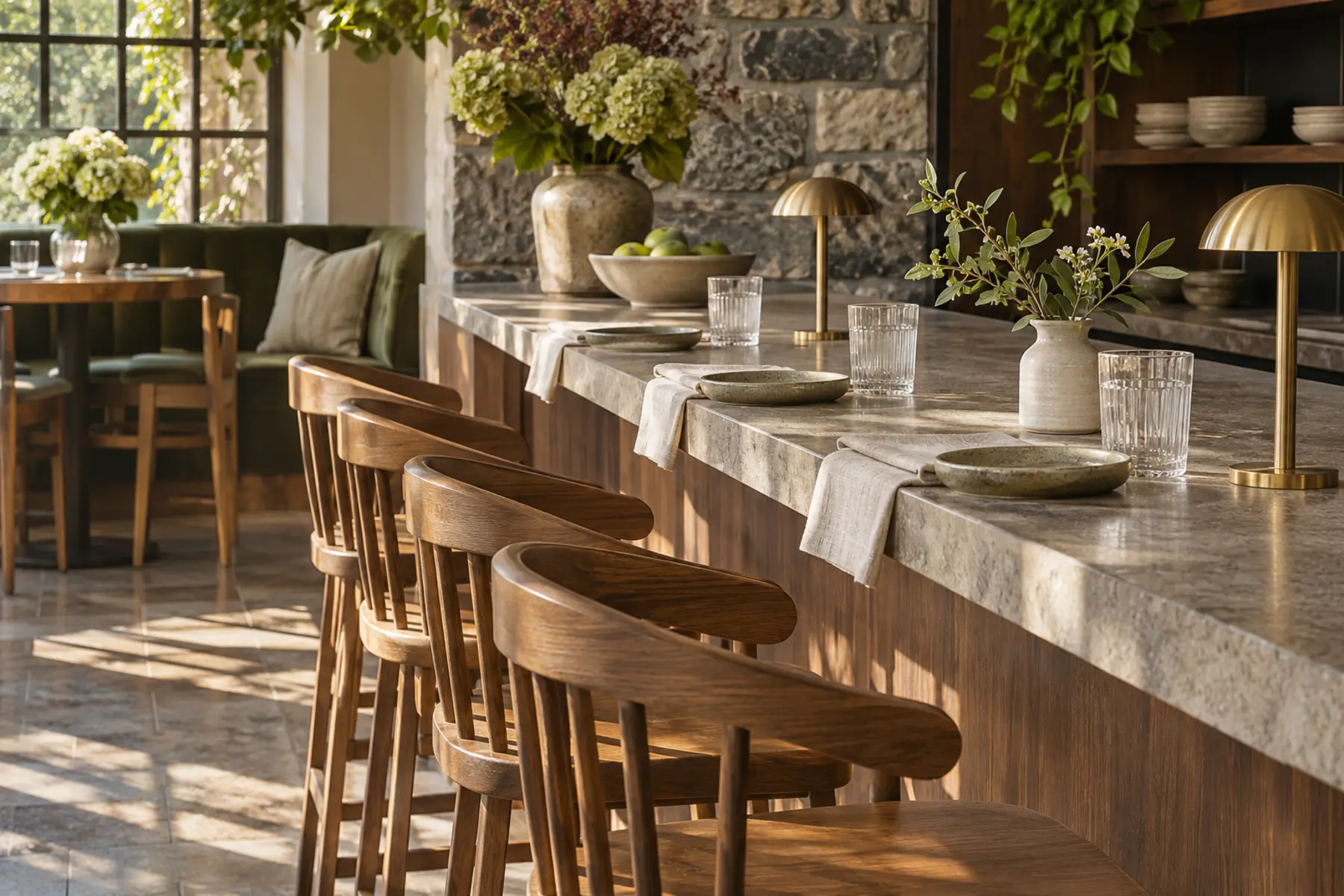
A booking system should not turn walk-ins away or leave a quiet Tuesday empty. It works best when it can hold back part of the room and open it up when the evening needs it.
Many restaurants keep a few tables free for walk-ins, particularly at the bar or the window, and a good system lets you set that aside without the diner seeing it. When the evening is quiet, you can release those tables online, and a simple message to regulars on a slow night can fill them.
A quiet midweek night is also the place to try something. A set menu, a tasting evening or an offer for locals can be given its own booking page, so you can see how many diners it brings in and where they came from.
The work follows the same four steps whatever you choose. The price is agreed in writing before the first one starts.
A booking system is quoted as a fixed price agreed in writing before any work starts. A few things decide where it lands, and the first conversation is about your room and not a price list.
A request form that sends you an email is the simplest. Live availability that shows free tables takes more work, and the difference is the main thing that moves the price.
Taking deposits means connecting a payment provider and writing clear rules for refunds. It is worth it where no-shows cost real money.
A separate enquiry route for groups, a private room or more than one location adds pages and logic, so it adds to the build.
Yes. The booking widget can sit on your own page so diners never leave your site, and you keep the platform for as long as it earns its fee. If you later want to replace it, the pages are already there.
A phone number still works for many small rooms, but diners increasingly want to book at night or on a phone without calling. A simple booking request form takes the pressure off the phone and costs nothing after the build.
Used sensibly, they rarely do. Most restaurants take one only for larger groups or busy evenings, say so plainly on the booking page and return it when the diner arrives.
Three things work together. A deposit for the bookings that matter most, a reminder the day before and an easy way to cancel so the table can be filled again.
Wherever you already look. They can arrive by email, by text or in the platform you use now, and the diner gets a confirmation at once.
The form asks for very little, never collects card details and sends nothing to anyone except you. Deposits are taken by a payment provider, so no card numbers are typed into your own site.
Yes, and it is usually better than a bigger party size on the normal form. A separate page answers the set-menu, room and deposit questions up front and brings you an enquiry you can follow up personally.
A booking request form can be added within a standard build of around three to four weeks. Live availability, deposits and groups add to that, and you get a fixed price and a timeline before any work starts.
No, the two work together. Your profile can link straight to your booking page, so someone who finds you on a map can book in a couple of taps.
The same system works, scaled to the room. A cafe may only need bookings for larger groups, and a gsitepub often wants a table booking for Sunday lunch and a separate route for events.
It can part-fund a subscription to new off-the-shelf software such as a booking platform, but not bespoke development, and it needs a Digital for Business project with your Local Enterprise Office first. Your Local Enterprise Office can say what you qualify for.
Yes. The pages, the code and the booking data are yours, with no platform to rent and no per-cover fee. The price is agreed in writing before any work starts.
Each page goes deeper on one part of filling tables and taking orders and bookings on your own site.
 Start hereOnline Booking Systems for Irish Businesses: How to Choose OneRead the guide →
 How to Take Online Orders Without the Just Eat Commission (Ireland)Just Eat and Deliveroo take a cut of every order. How Irish cafes and takeaways can take orders on their own site and keep the lot.
 Google Business Profile for Irish Businesses: The Complete Setup GuideHow to set up, verify and optimise your Google Business Profile as an Irish business. The step-by-step guide to appearing in local search.
 Local SEO for Irish Businesses: How to Rank on Google in Your AreaA practical guide to local SEO for Irish businesses, how Google local search works, what moves the needle, and how long results realistically take.
Send me your current website address and I will tell you plainly what is working, what is holding it back and whether a rebuild is worth it. Free, with a fixed price agreed before any work starts.